

Documentation: Flowy Processes
Flowy Processes
Introduction
Flowy processes are the workflows themselves. A process is a sequence of steps designed to accomplish a specific task or series of tasks.
Users having the PROCESS_CREATOR role are able to create Flowy processes. Once created, the access is configured roles individually on every process through its role settings.
How processes work
Each process in Flowy represents a modular, deterministic workflow that reacts to inputs and transforms data through clearly defined steps. A process consists of a sequence of operations including scripting, conditional logic, sub-process execution, and interactions with external systems.
At a high level, a Flowy process behaves like a lightweight state machine:
- It is triggered by an external event (such as a REST API request)
- It operates on a shared variable context called the Process Cache, using variables prefixed with
$. - It executes typed steps, each with a clearly defined purpose—transforming data, accessing databases, or handling errors
- It progresses through conditional paths, sub-process calls, or iterations until completion
Every process is designed to be stateless from the outside perspective. Its state is entirely encapsulated by the variable cache and persisted through step logs, making debugging and recovery both deterministic and traceable.
Design principles:
- Keep processes small and composable
- Structure logic as a clear flow: inputs → transformation → outputs
- Leverage process composition for reusability and separation of concerns
Flowy is built to encourage modular design. Instead of duplicating logic across processes, you can define reusable patterns that enhance maintainability and testability. Encapsulate commonly used logic—such as validating companies, creating audit logs, or preparing translations—in dedicated sub-processes and invoke them via the Execute Process step. This makes your main process easier to read and keeps logic isolated.
Use the built-in Templates and Translations objects to externalize UI content or localized messages. This allows you to:
- Swap out messages without touching business logic
- Reuse consistent formatting across steps
Instead of hardcoding URLs or credentials, define them centrally using:
- Settings: for environment-specific values
- Credentials: for API keys, database access, and other sensitive data
Process properties
Every process has the following properties:
| Name | Description |
|---|---|
| Time to live (TTL) for logs | Defines the maximum amount of times that logs should be kept; please note that this affects events, as well as process and step logs. Setting the value to 0 disables the cleaning process, logs are kept indefinitely in that case. The cleaning affects all logs independent of their type. |
| Time to live (TTL) for errors | Defines the maximum amount of times that errors should be kept; please note that this affects events, as well as process and step logs. Setting the value to 0 disables the cleaning process, although error logs would be still cleaned when their TTL reaches the value set for logs. The cleaning affects only error logs. The set value must be equal or lower than the log TTL. |
| Max processing duration | Defines the maximum amount of time that a process is allowed to run. This value get checked after every step and is therefore enforced in a best-effort manner. |
| Max simultaneous executions per instance | Defines the maximum amount of active processes on a per instance base. Setting this value to i.e. 2 would mean that the process can run twice on the very same instance simultaneously. Value must be lower or equal to overall max simultaneous executions. |
| Overall max simultaneous executions | Defines the maximum amount of active processes allowed across all connected instances. Setting this value i.e. to 3 would mean that the particular process can run up to 3 times throughout all active instances. Value must be higher or equal to max simultaneous executions per instance. |
| GDPR relevant | Defines if the process needs to be included in the GDPR report. |
| Cache storage | Defines if cache should be persisted. Please note that this setting - if disabled - overrules the same setting on the step level. If enabled, cache is only persisted for steps having the same setting enabled. Cache is only persisted, when logging is enabled. |
| Logging | Defines if logs should be persisted. Please note that this setting - if disabled - overrules the same setting on the step level. If enabled, logs are only persisted for steps having the same setting enabled. |
| Step log flush batch size | Defines how many successful step logs are buffered before they are written. The buffered logs are written once this many are waiting. |
| Step log flush interval | Defines the longest a buffered success log waits before it is written, even if the batch isn't full. |
| Interrupt check frequency | Defines how often the run checks for an interrupt request. It checks before the first step, then every Nth step, so with a value of 3 that's steps 1, 4, 7. |
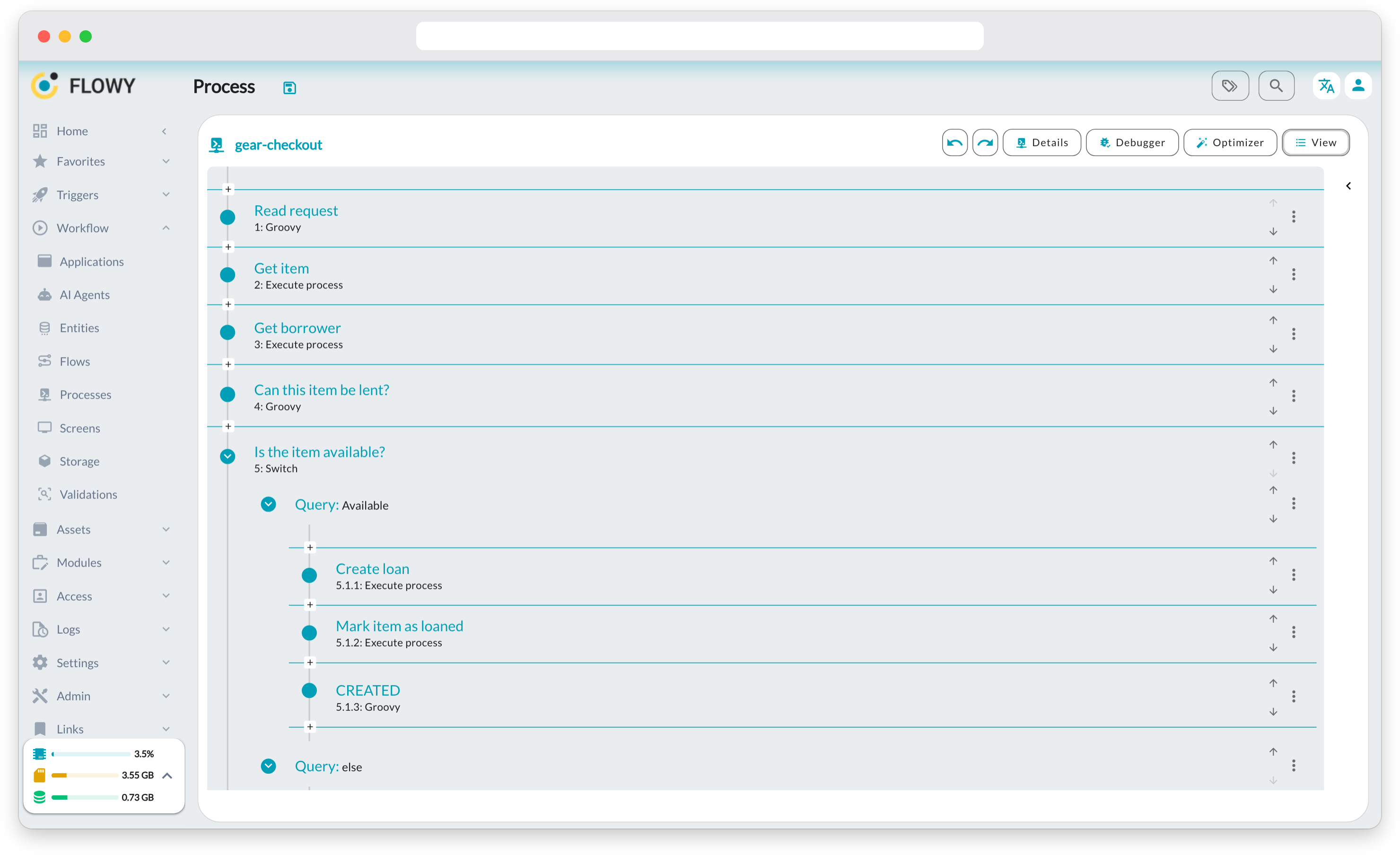
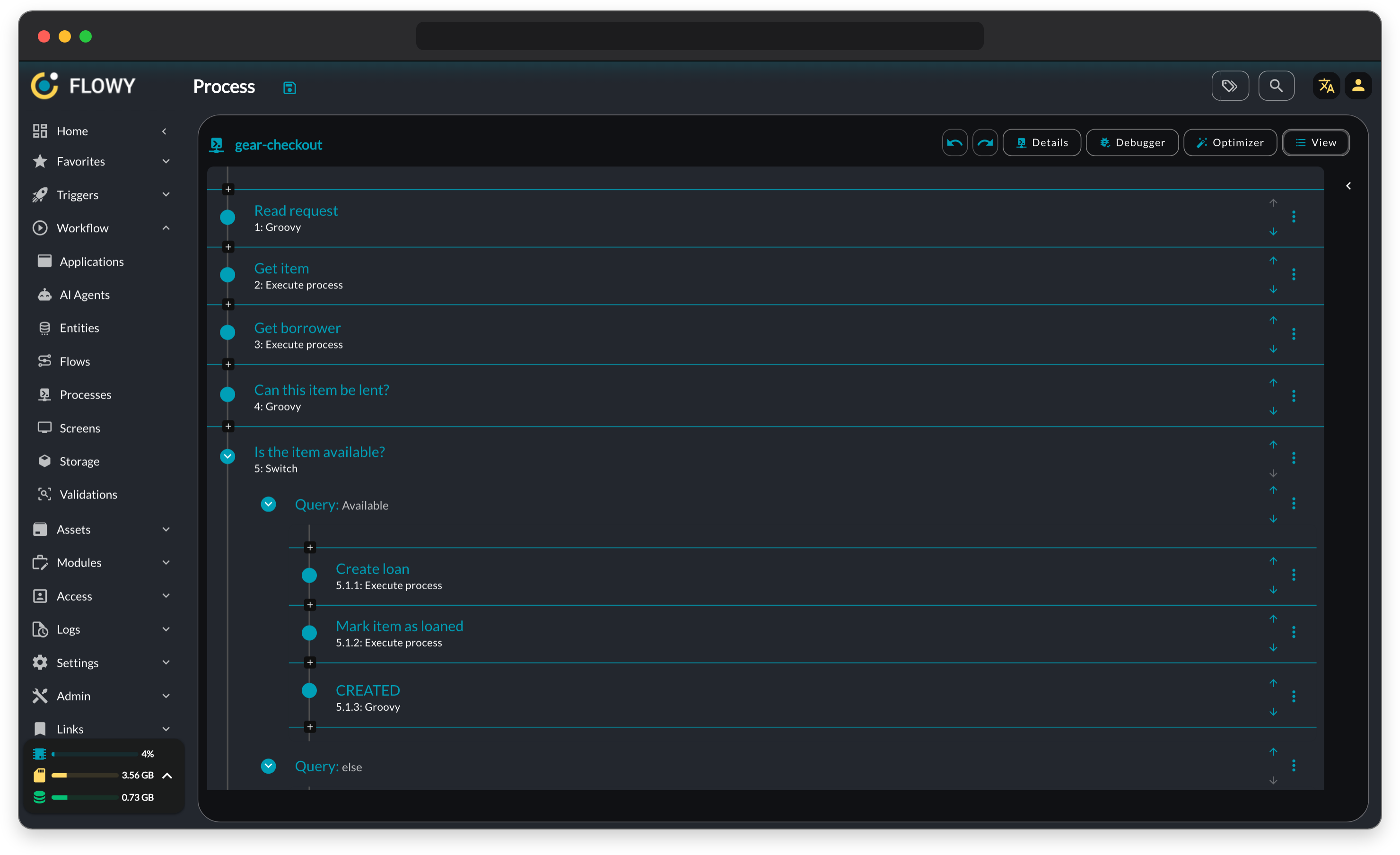
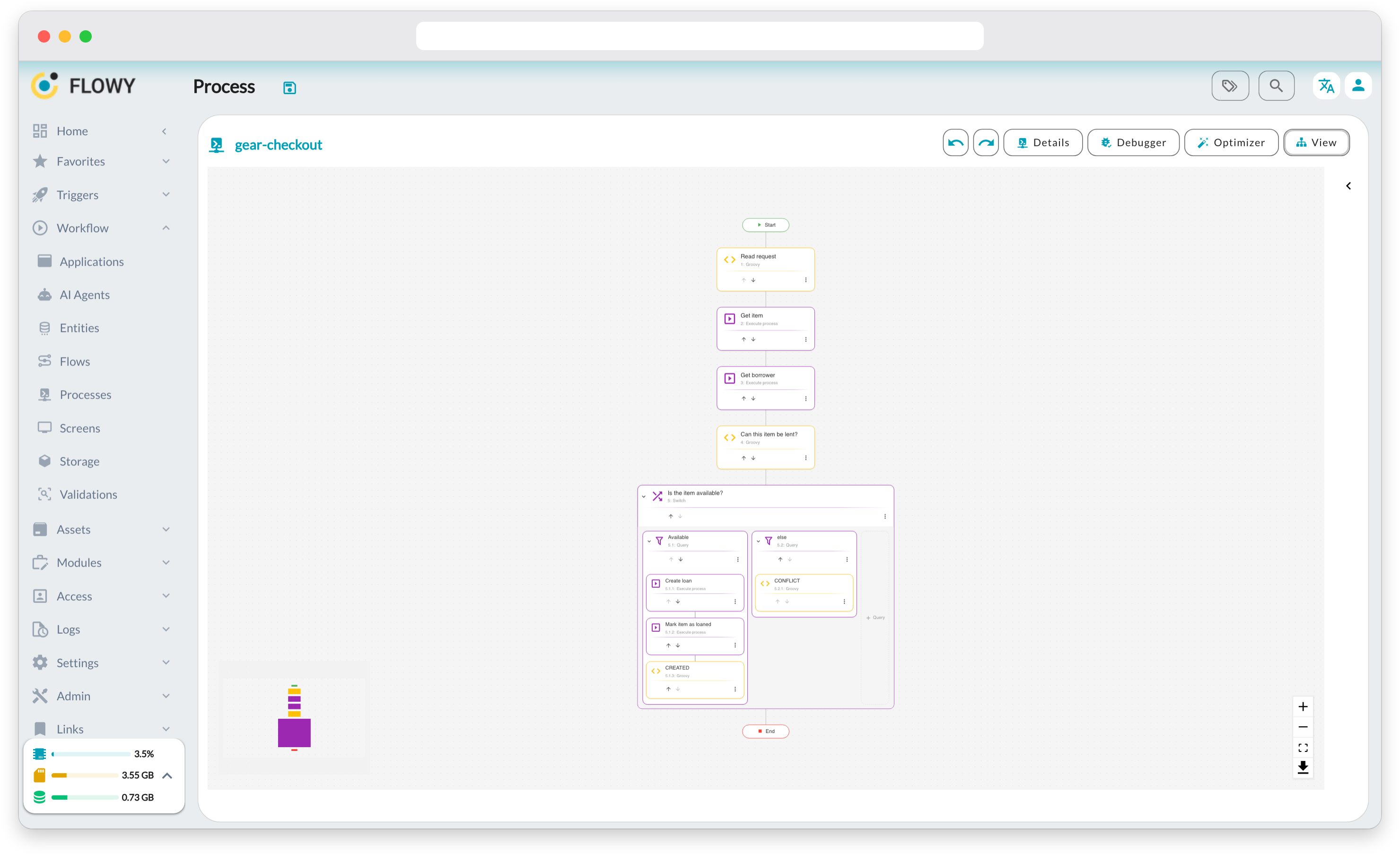
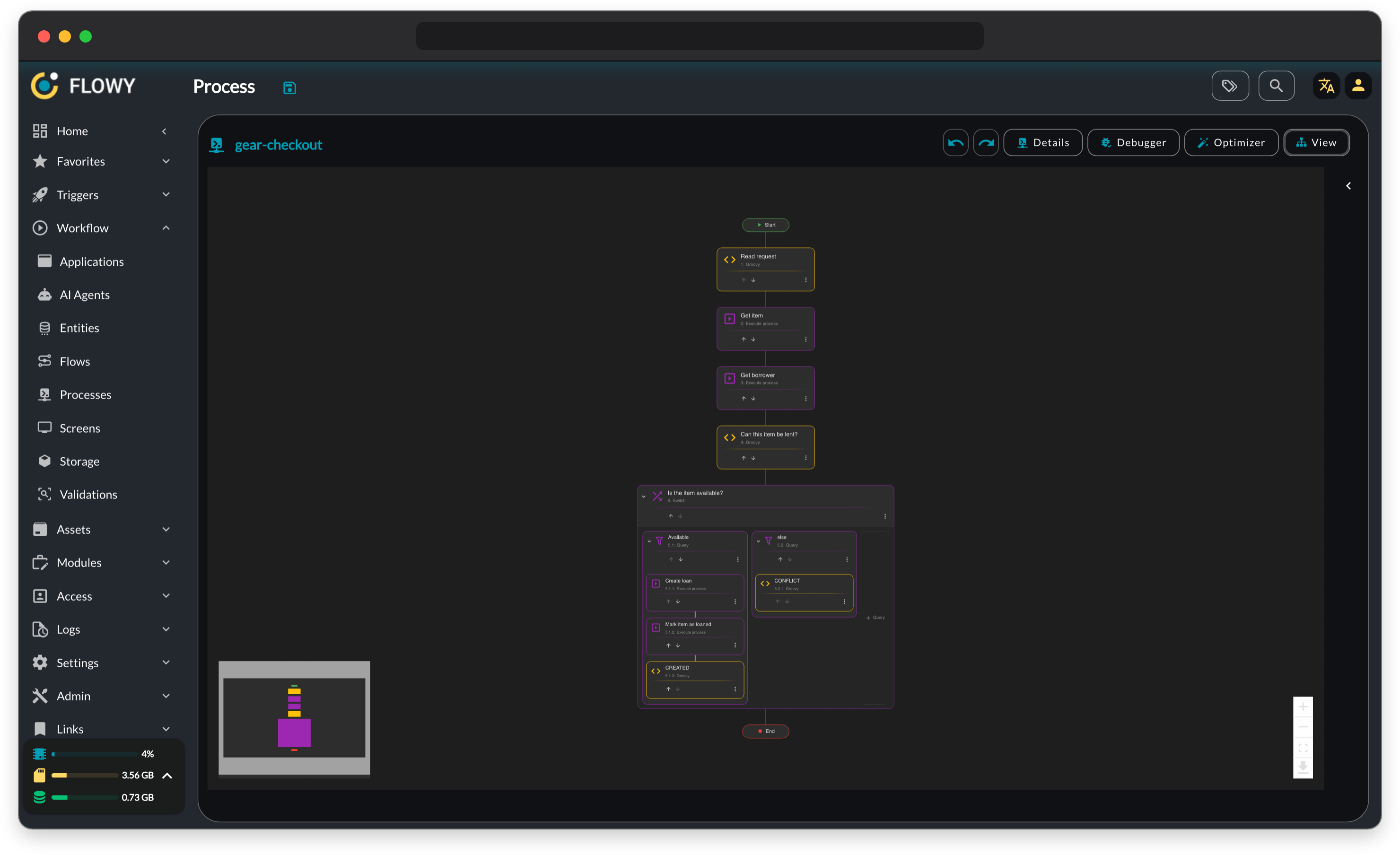
Please refer to the steps page for details on which steps Flowy offers.
Variables and Process Cache
Variables can be used to temporarily store data during runtime. A variable can be declared in Flowy using $. followed by the variable name.
During execution, variables are stored in-memory to the so called Process Cache. By default, the cache gets persisted to the database as part of each step log. This behavior can be disabled to improve performance and reduce database size.
The variables can be manipulated or even removed (through the Unset Variables step) at runtime. The cache is fully accessible to all steps of a process.
Variables expected to contain files (i.e., handled via FTP, IMAP, Image, PDF, S3, or ZIP) are not persisted; for these, the cache will display only their size.
For safety reasons, variables should not be used for security related data. The use of credentials is recommended in such cases.
Info
Java imposes a limit on the maximum size of data that can be stored in a variable. This limit depends on the environment and available heap memory. Based on experience, we recommend keeping variable sizes below 15 MB to ensure optimal performance and stability.
Note that the system automatically injects execution parameters into the $.flowy variable at runtime.
By default, the following fields are available in the cache for every step:
$.flowy.eventId
$.flowy.processName
$.flowy.instanceId
$.flowy.environmentName
If a step simply fails, no additional fields are added to the cache.
However, the following fields are added to the cache when the event handler is triggered and starts a process:
$.flowy.triggerProcessId
$.flowy.failedEventId
$.flowy.listenStatus
$.flowy.stepExceptions
$.flowy.eventException.exceptionName
$.flowy.eventException.exceptionMessage
$.flowy.eventException.exceptionStackTrace
$.flowy.output